


How does LinkedPhone help my business sound more professional?
LinkedPhone is an all-in-one business phone system for small businesses and professional services, whether you’re working solo or with a team. Here’s how:
• Business Caller ID so you can talk and text from your business number
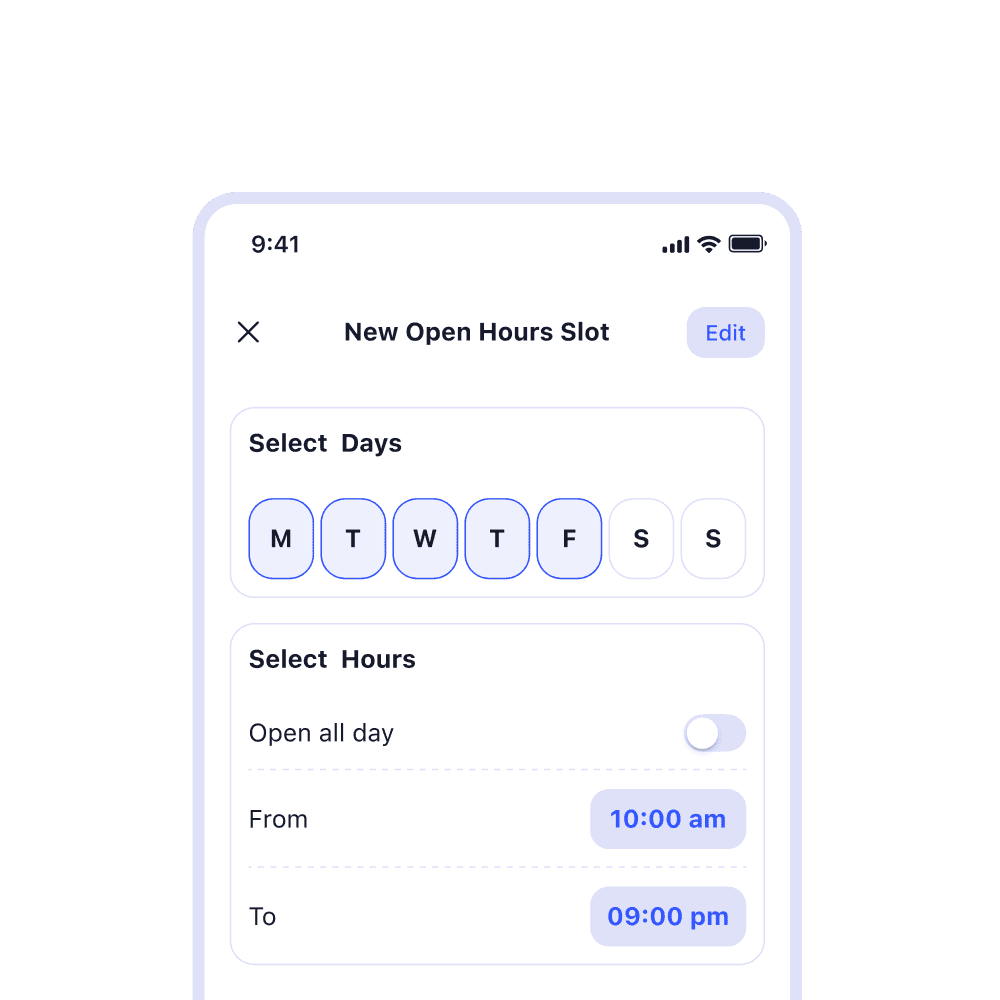
• Set business hours to control when you receive calls
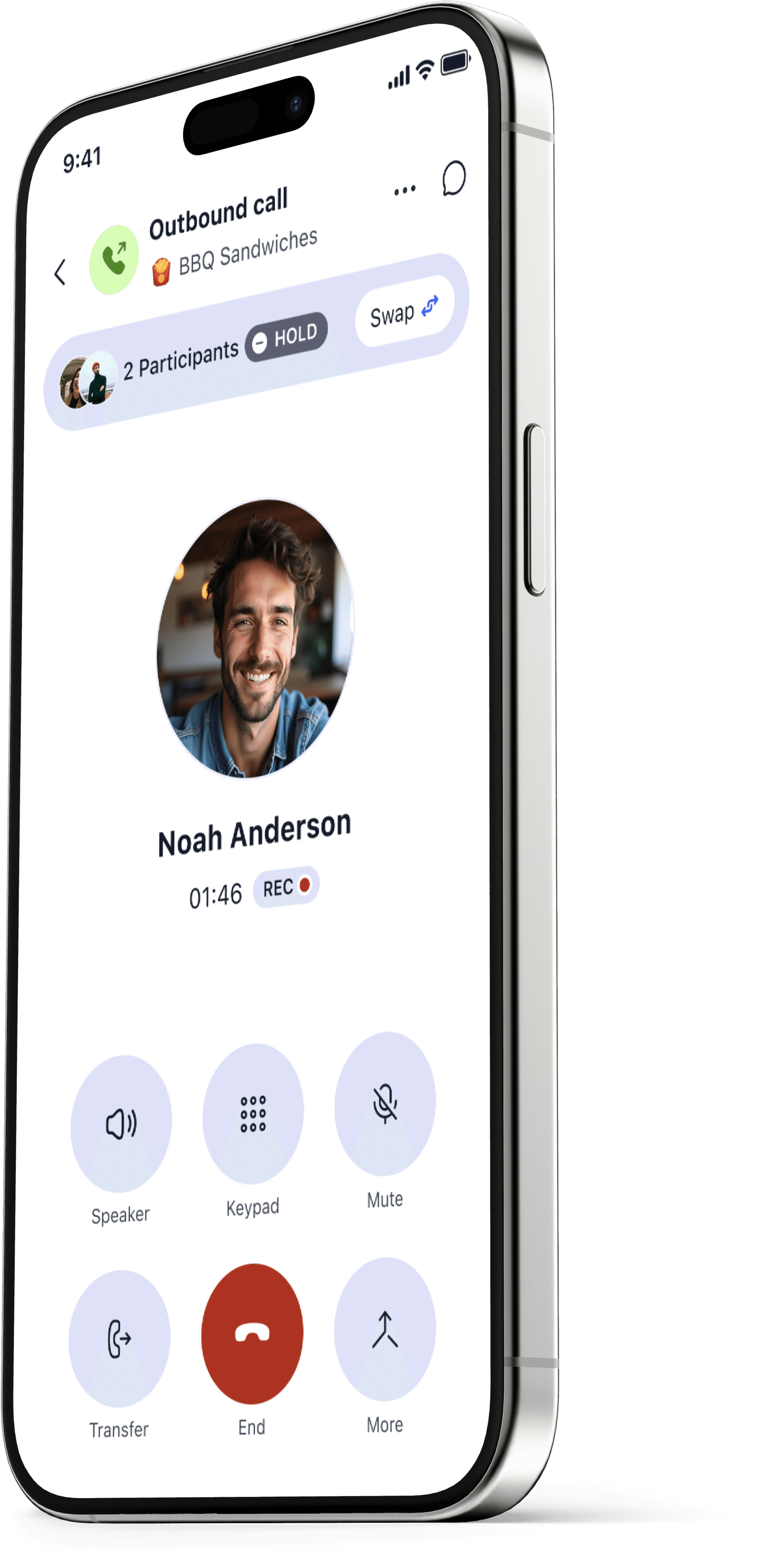
• Easy call transferring to team members
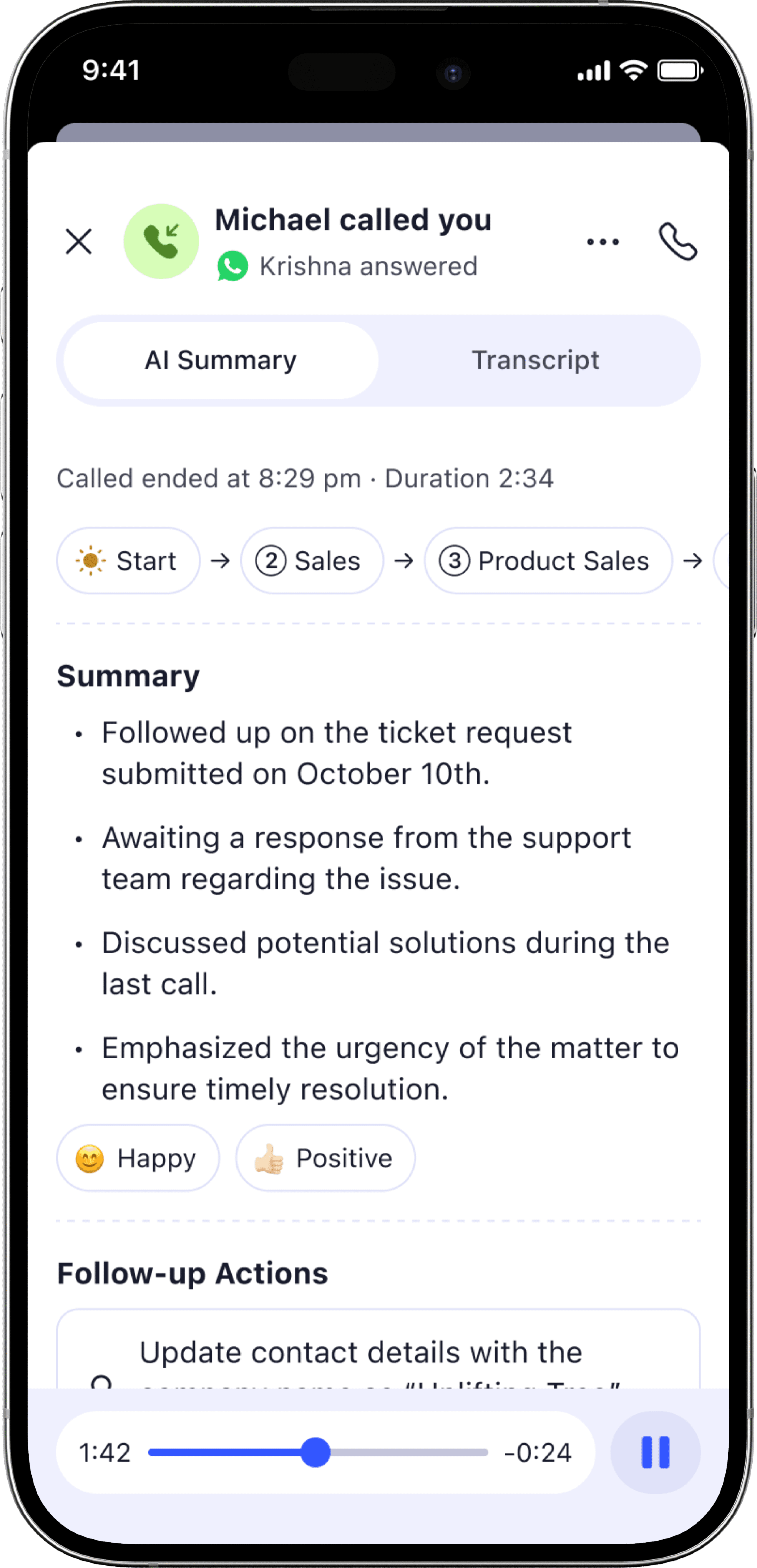
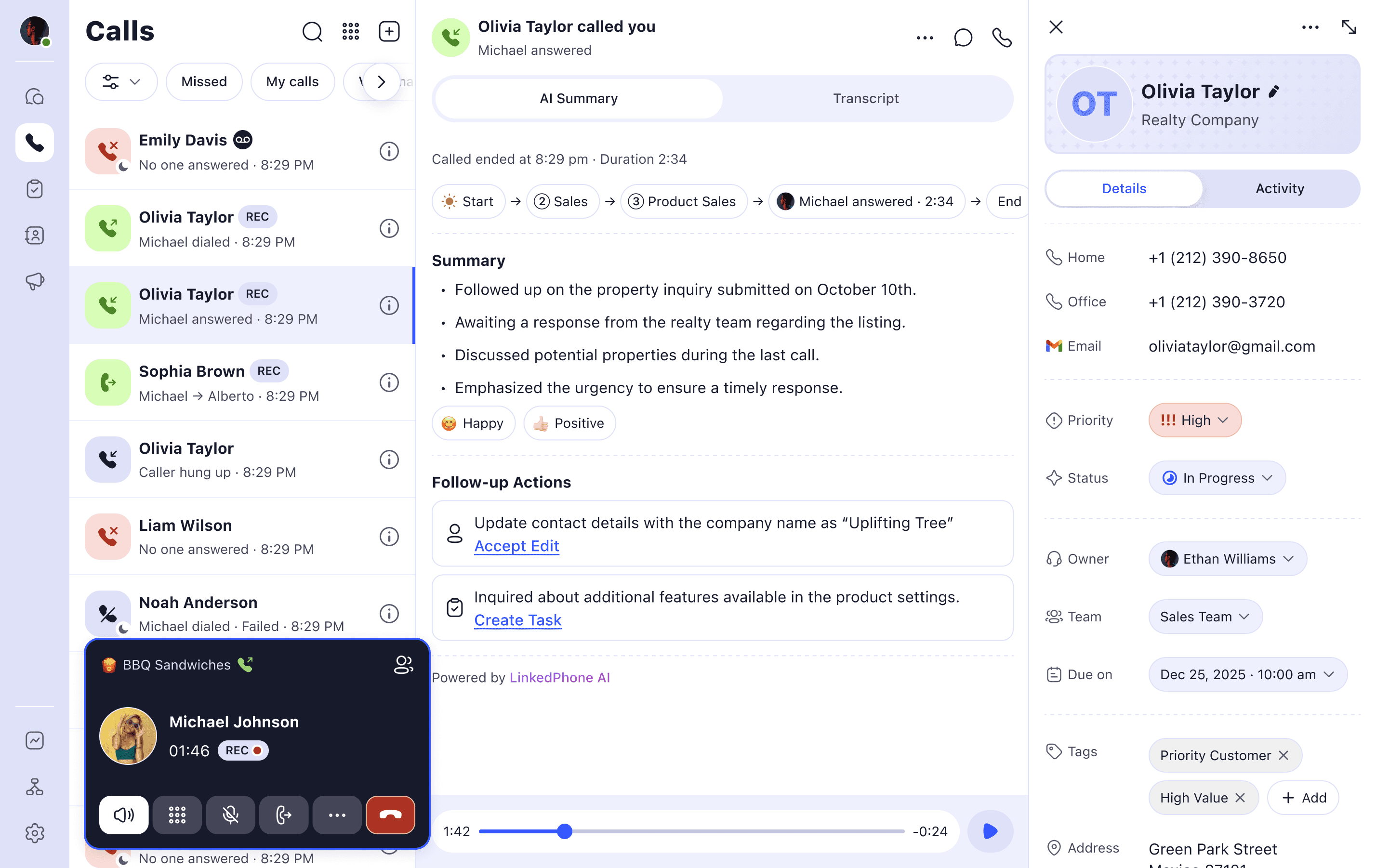
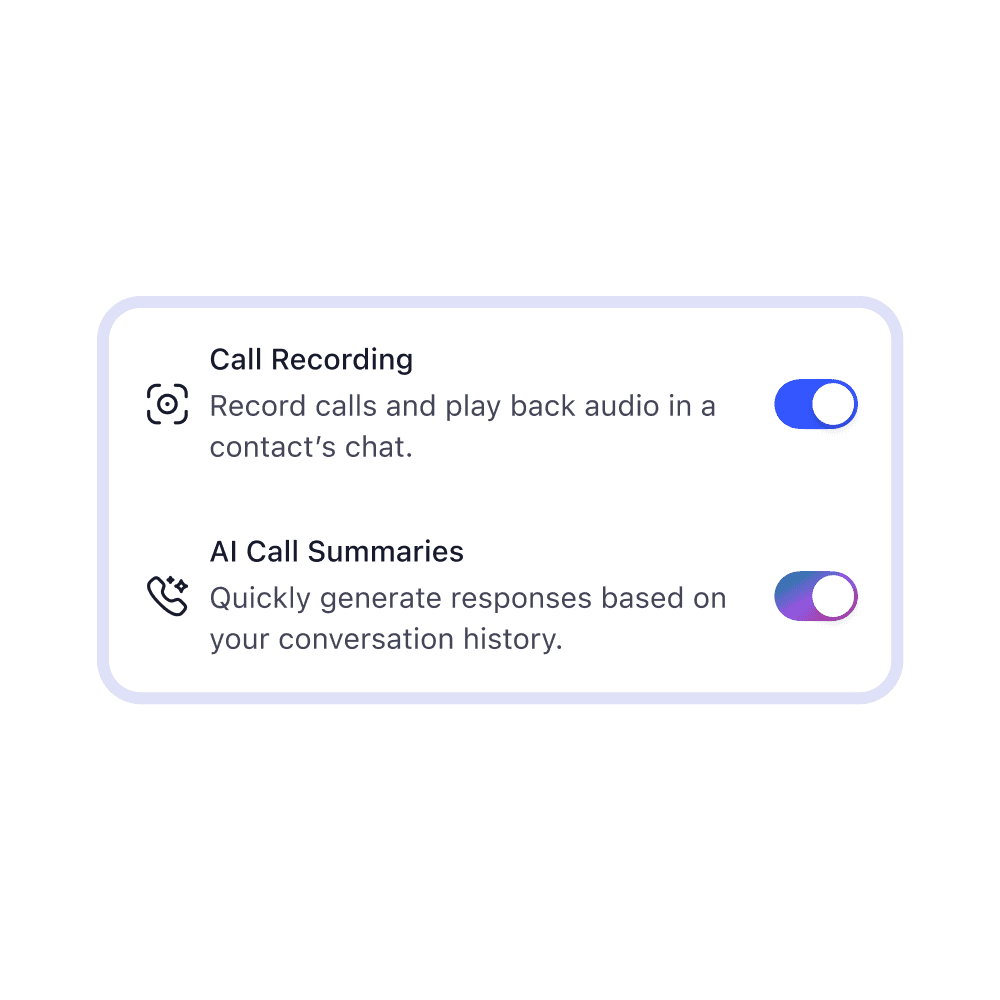
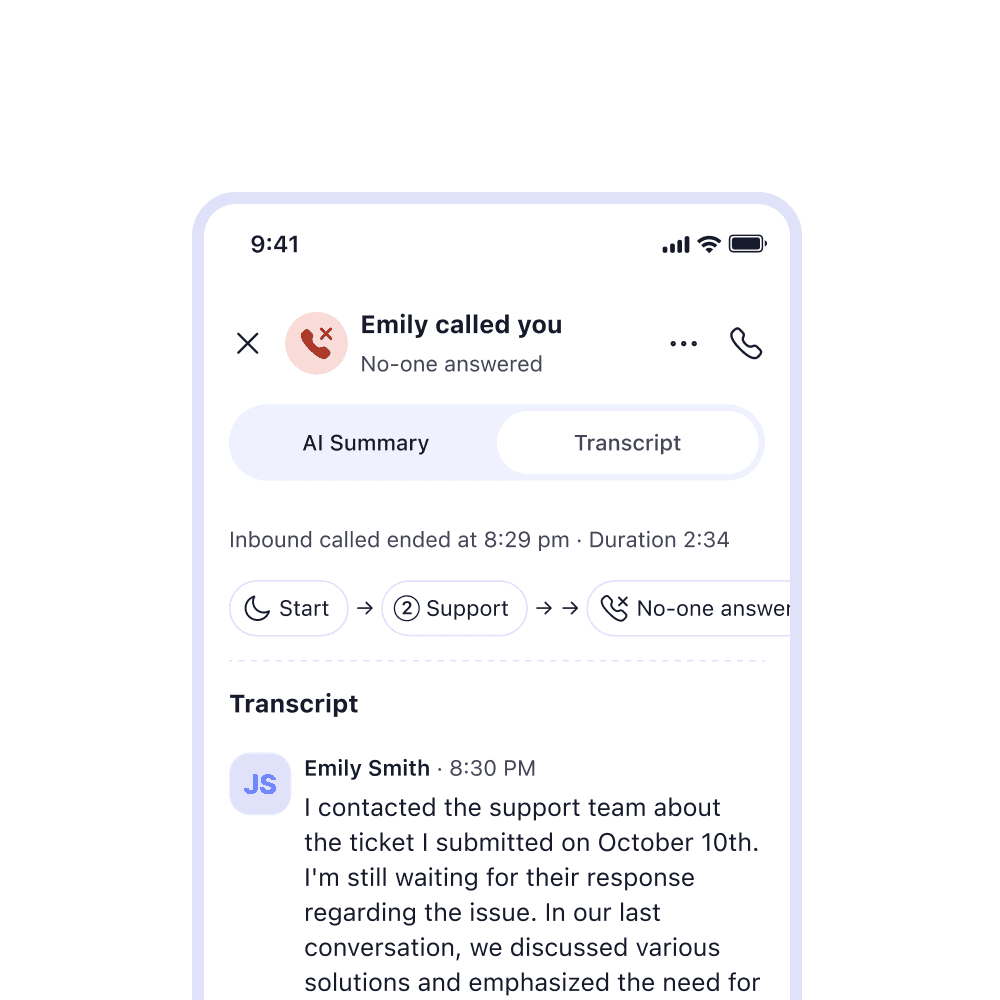
• Call recording, voicemail, transcripts & AI call summaries
Our mission is to foster connection, trust, and loyalty between your business and your customers — with one simple, affordable, and mobile communications tool.
If I call and text from my cell phone, what will show up as Caller ID?
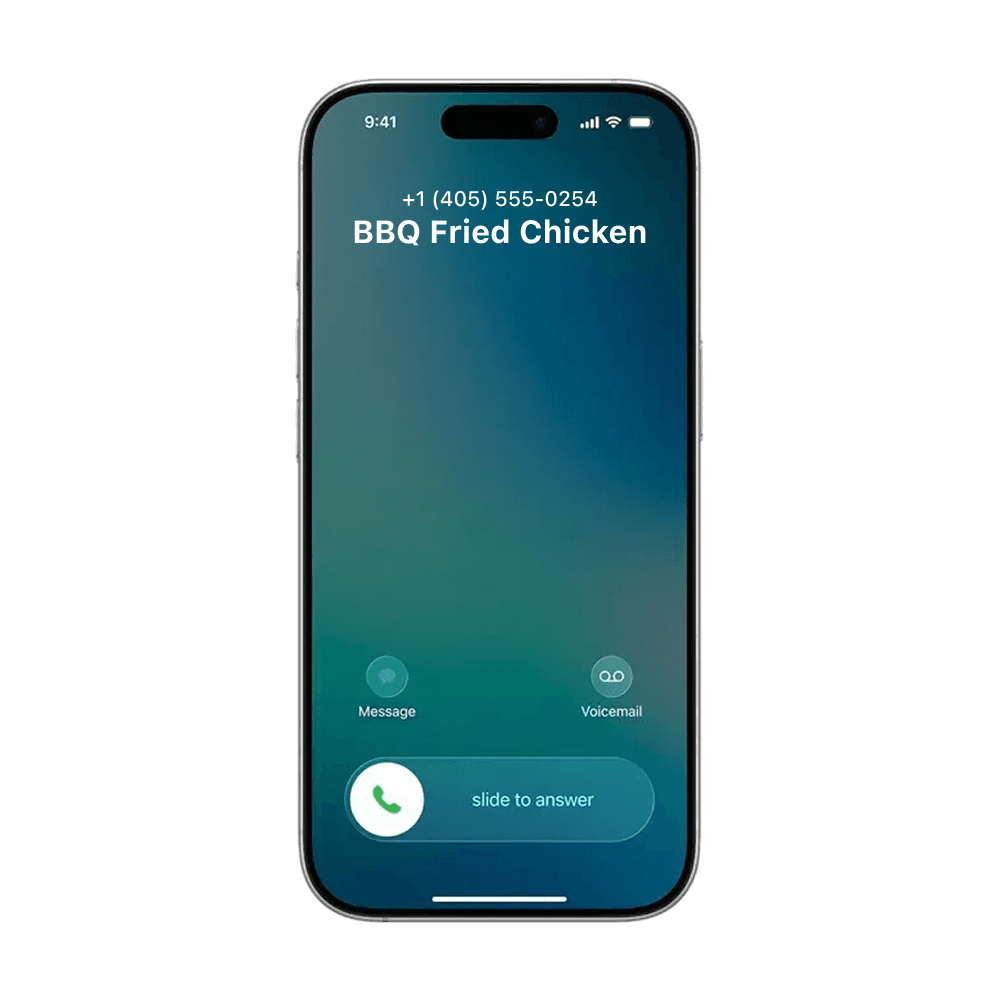
Your business name and number will show up as the caller ID when you call and text your customers. The the LinkedPhone mobile app adds a dedicated business number so your personal number stays private.
Can I port my existing business number to LinkedPhone?
Yes. If you’d like to port your existing business into LinkedPhone, please visit our number porting page.
Can I set business hours so calls don’t interrupt my personal time?
Yes. You can set hours so business calls do not interrupt your personal time.
How many minutes are included with my plan?
As long as you’re using LinkedPhone to run your business, we won't count minutes. Your minutes are generally unlimited and are subject to our Acceptable Use Policy.
Can I make and receive business calls on any device?
LinkedPhone is compatible with most devices, including mobile phones (iOS and Android), tablets, computers, laptops, VoIP desk phones, SIP devices, and even landlines.
Can I record business calls?
Yes. Call recording is available, which can help you capture important details from customer conversations and follow up more accurately. You must follow federal, state, and local laws when recording calls.
Do you provide transcripts for call recordings and voicemail?
Yes. LinkedPhone automatically transcribes calls and voicemail recordings so you can read them on the go.
Can you summarize key highlights during my calls?
Yes. When call recording is enabled, our AI can analyze calls to provide concise bullet points of takeaways and follow-ups. You must follow federal, state, and local laws when recording calls.
Can I transfer a live call to a teammate?
Yes. LinkedPhone lets you transfer calls so customers can reach the right team member when needed.
Can multiple team members share the same business number?
Yes. Team members can easily collaborate to make outbound calls from the same business number and pick up customer calls, even when on the go or working from different locations.
What happens if I miss a call?
You can handle missed calls any way you’d like. Send them to voicemail, trigger an automatic text letting them know you’ll get back to them, or use Lisa AI (coming soon), your live AI receptionist, to pick up the call and capture details.
Can I see call history?
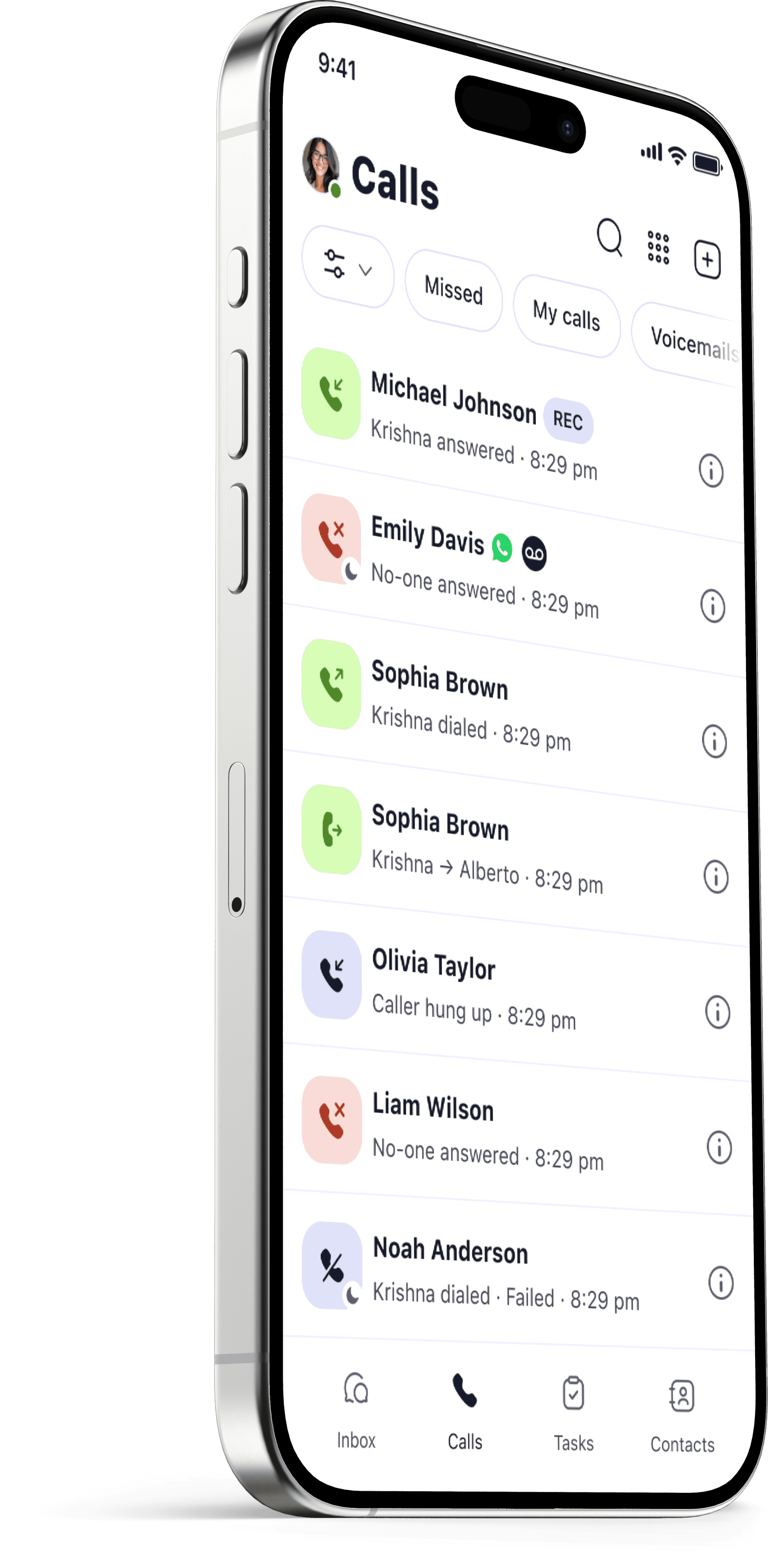
Yes. You can see all calls in a dedicated call history screen or in the context of customer interactions in your inbox.
Can I make international calls?
At this time, you may receive international calls and texts but you can’t place international calls or send texts from your business number.