


How can I work anywhere using LinkedPhone?
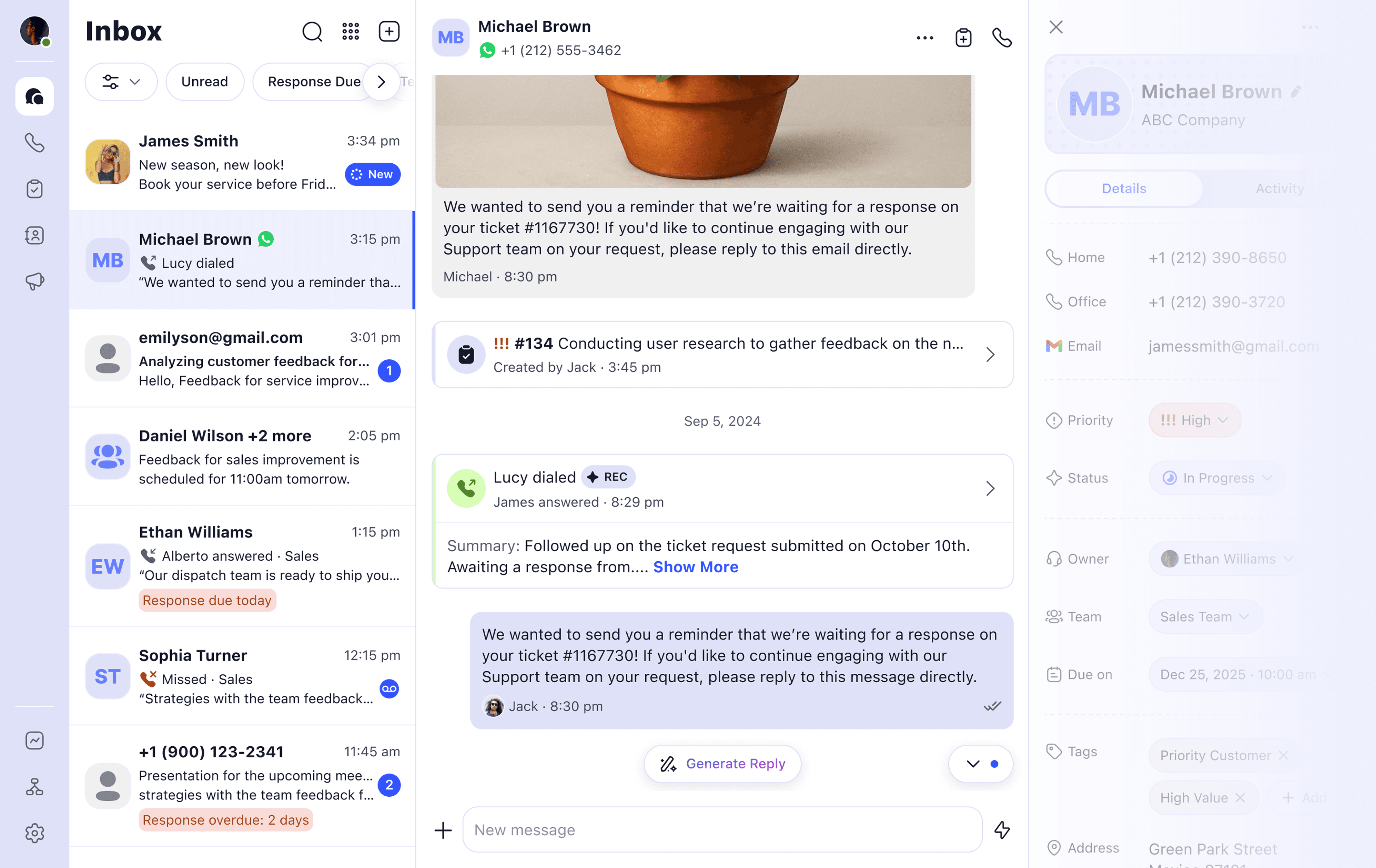
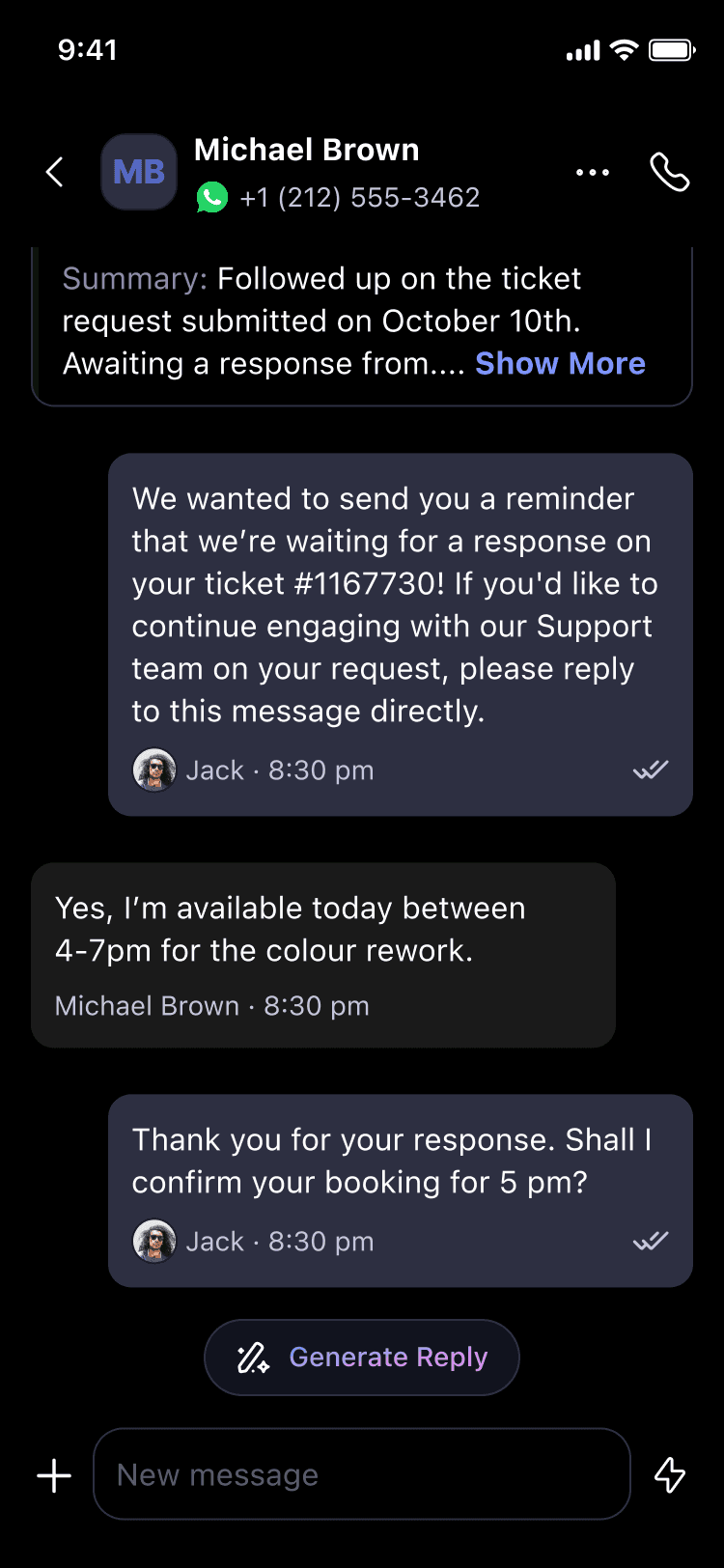
LinkedPhone is designed to help small businesses work from anywhere using the devices they already have with these features: • Second number mobile app to separate your business and personal communications • Auto-attendant and business hours setup • AI call summaries and voicemail transcripts • Call recording and call transfers • Customer service tickets and easy task management • Unified inbox that keeps all customer interactions in one tidy place
• Lisa AI is your live AI receptionist who never sleeps (coming soon)
Can I use LinkedPhone on my personal cell phone?
Yes. LinkedPhone mobile app adds a dedicated business number so your business and personal communications stay separate.
Will customers see my personal phone number?
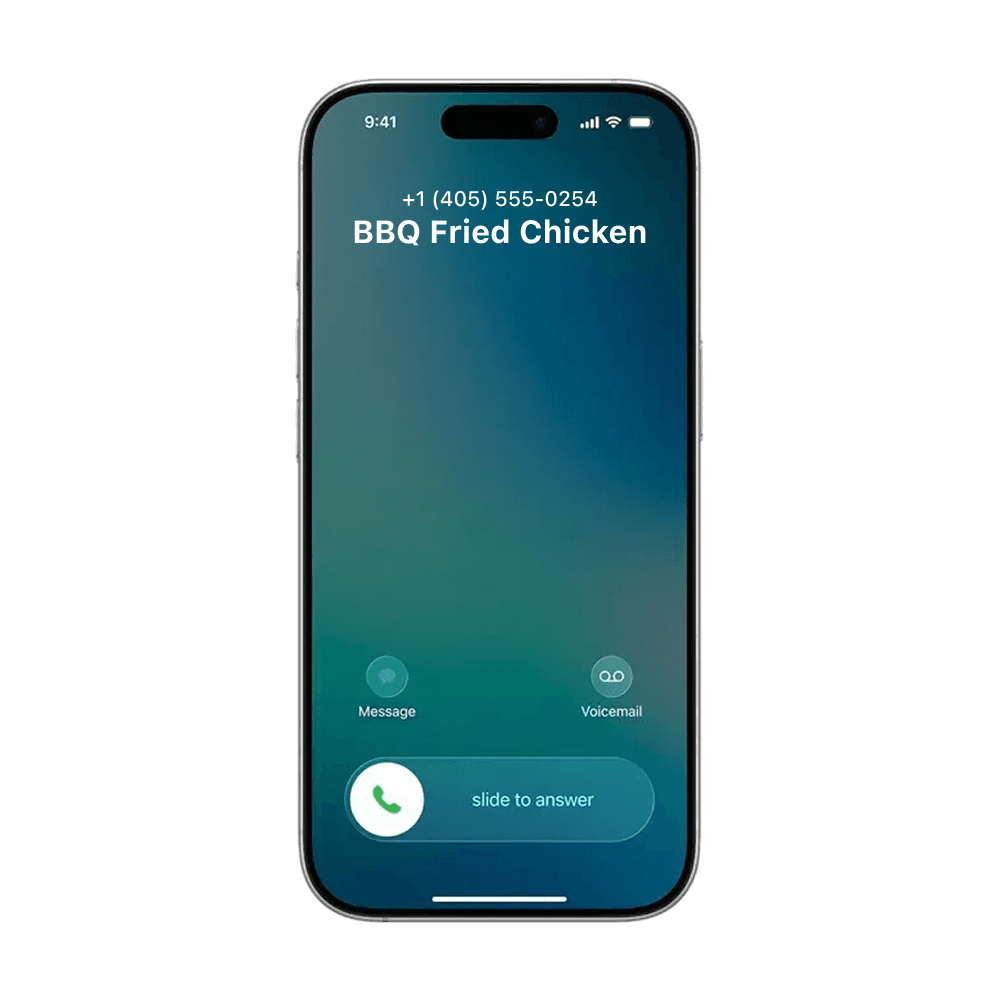
Never. Your business name and business number will show up as the caller ID when you call and text your customers. The LinkedPhone mobile app adds a dedicated business number so your personal number stays private, even when using your own mobile phone.
Which devices does LinkedPhone support?
LinkedPhone is compatible with most devices, including mobile phones (iOS and Android), tablets, computers, laptops, VoIP desk phones, SIP devices, and landlines.
This flexibility allows teams to work however and wherever they prefer.
Can I switch between my phone and computer?
Yes. LinkedPhone keeps your conversations synced across devices so you can easily move between your mobile phone and desktop without losing context.
This is especially useful for remote teams and businesses constantly on the move.
Can remote team members really share the same business number?
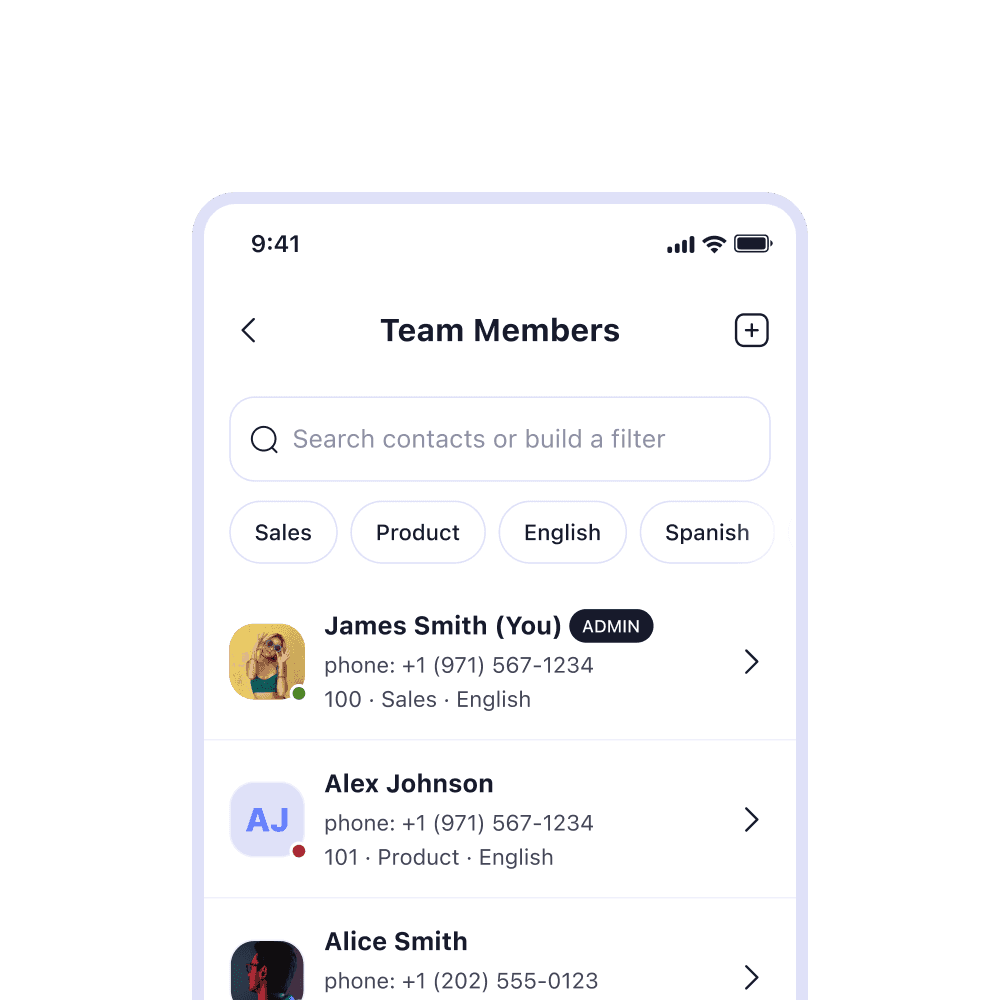
Yes. With LinkedPhone, they can. Our unified inbox feature keeps all customer interactions in one place so one team member can pick up where another left off —- answering calls, replying to texts, and resolving customer service tickets. All team members have access to both mobile app and LinkedPhone web.
Do I need to buy special equipment or a second phone?
Not at all. LinkedPhone works with the devices you and your team members already have. Work flexibly from anywhere, on any device.
Can I transfer calls to specific team members while on mobile?
Yes, LinkedPhone can be customized to work for your specific business needs. Calls can be routed based on an employee’s name, extension, department, or ring group, so customers can quickly reach the right person, even when your team is distributed across locations.
Can I use LinkedPhone for multiple business numbers?
Yes. LinkedPhone supports managing multiple business numbers within the same app, making it easy to handle different businesses, departments, or locations from one place.
Is LinkedPhone good for mobile teams and field workers?
Yes. LinkedPhone is an all-in-one phone system without the hassle, contracts, or high cost of traditional phone systems. Here is a small sampling of our customers:
• Teams: sales, real estate, startups, branch offices
• Professional services: lawyers, accountants, medical professionals
• Wellness services: trainers, therapists, midwives
• Home services: plumbers, gardeners, housekeeping
• Transportation services: taxis, delivery, logistics
• Retail: salons, restaurants, stores
• Freelancers: Influencers, writers, artists and more
Can I control when I receive business calls?
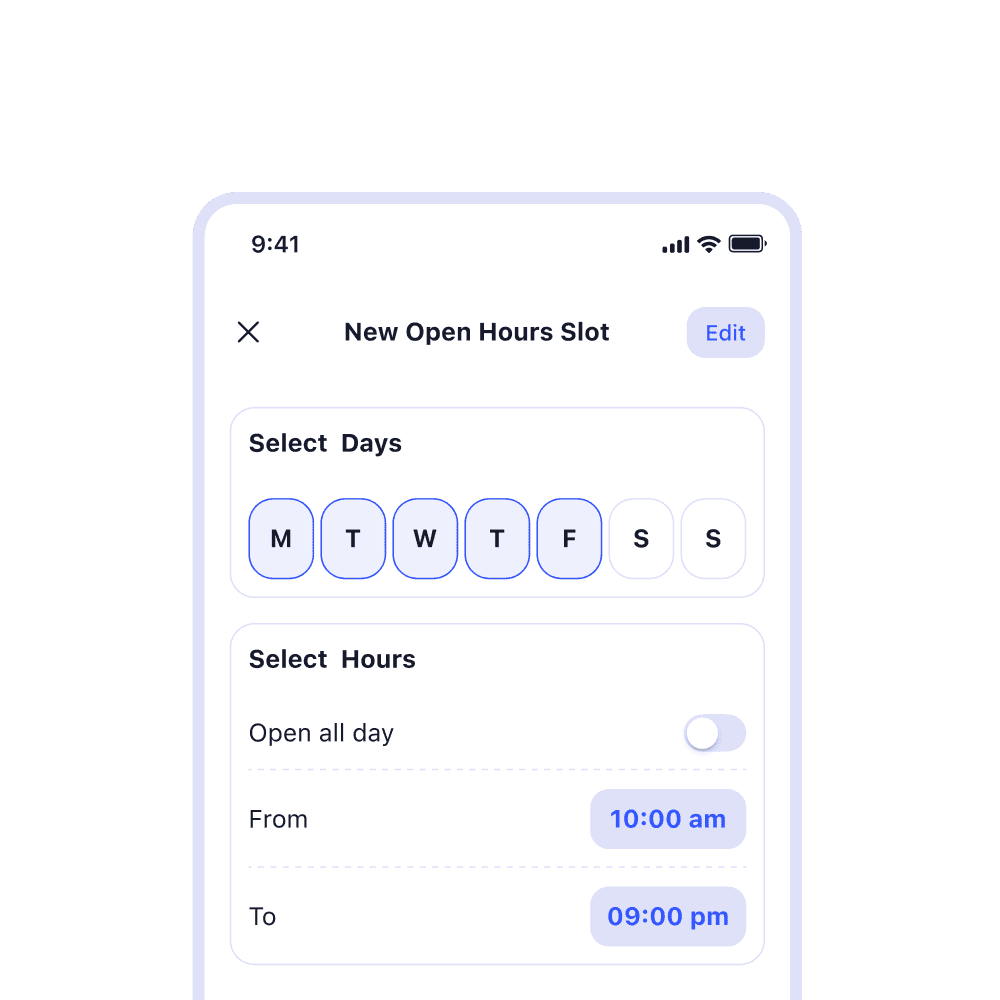
Yes. You can set business hours so business calls do not interrupt your personal time.You can easily update schedules whenever your availability changes.
What happens if I miss a call?
You can handle missed calls any way you'd like. Send them to voicemail, trigger an automatic text letting them know you’ll get back to them, or use Lisa AI (coming soon), your live AI receptionist, to pick up the call and capture details.