

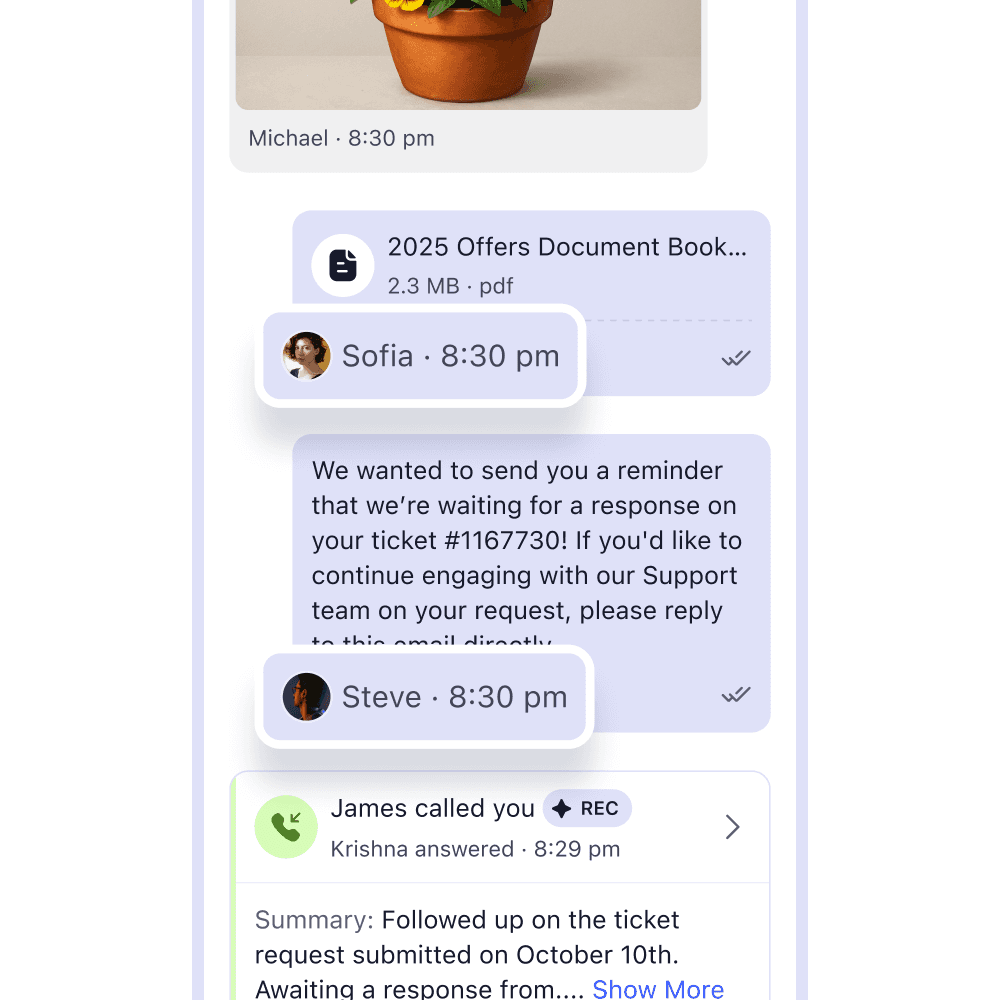

What is a Unified Inbox?
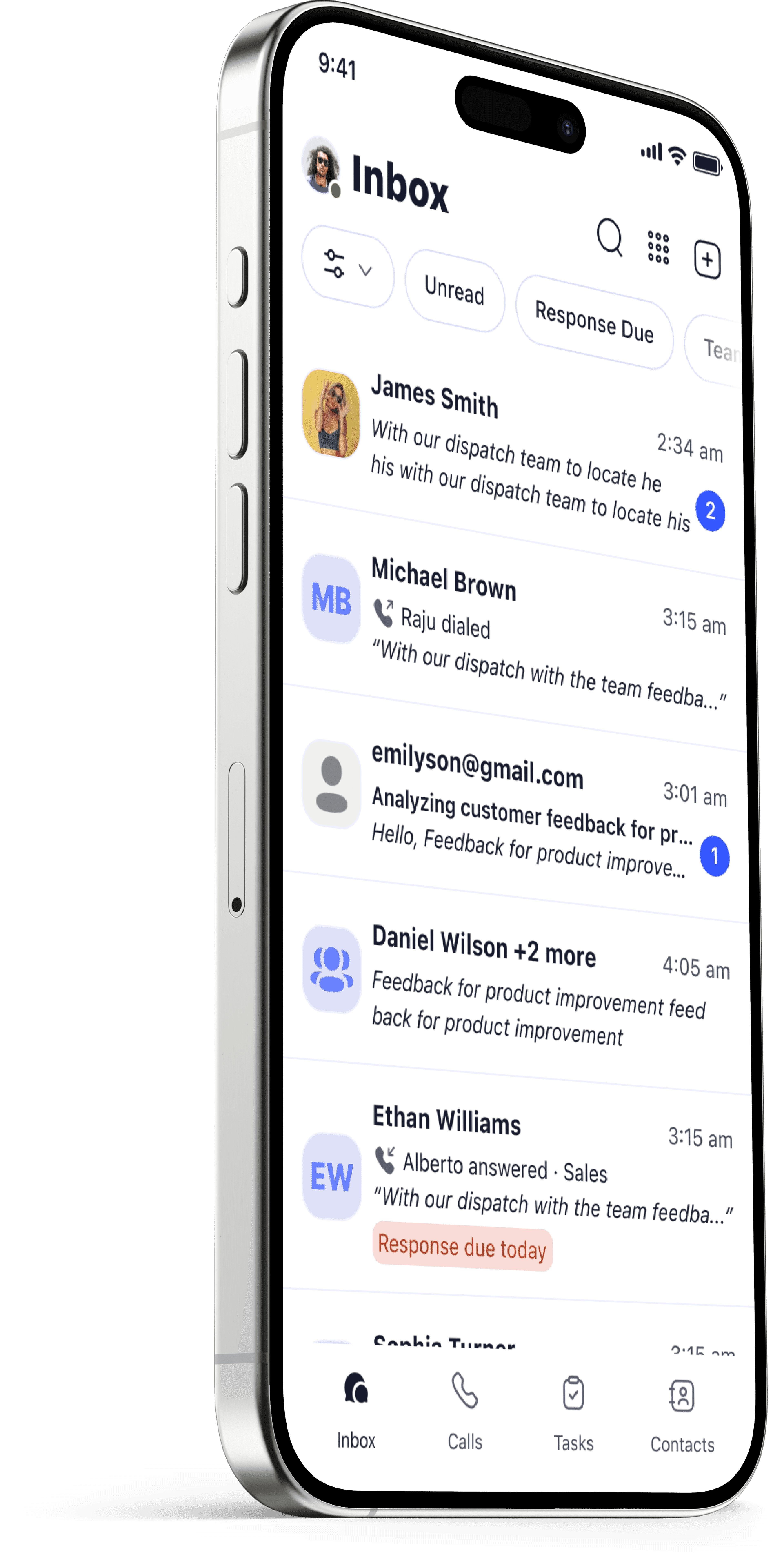
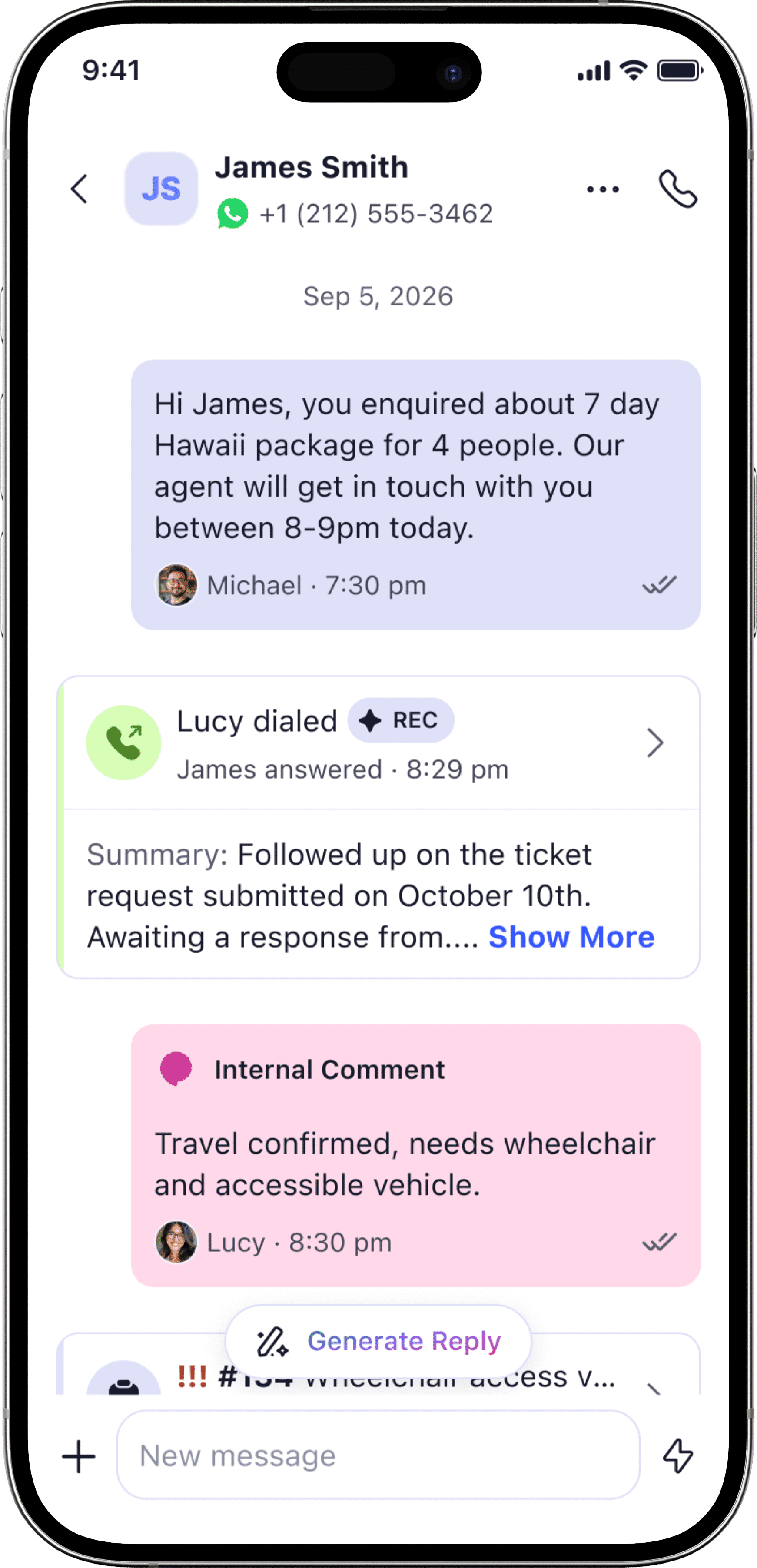
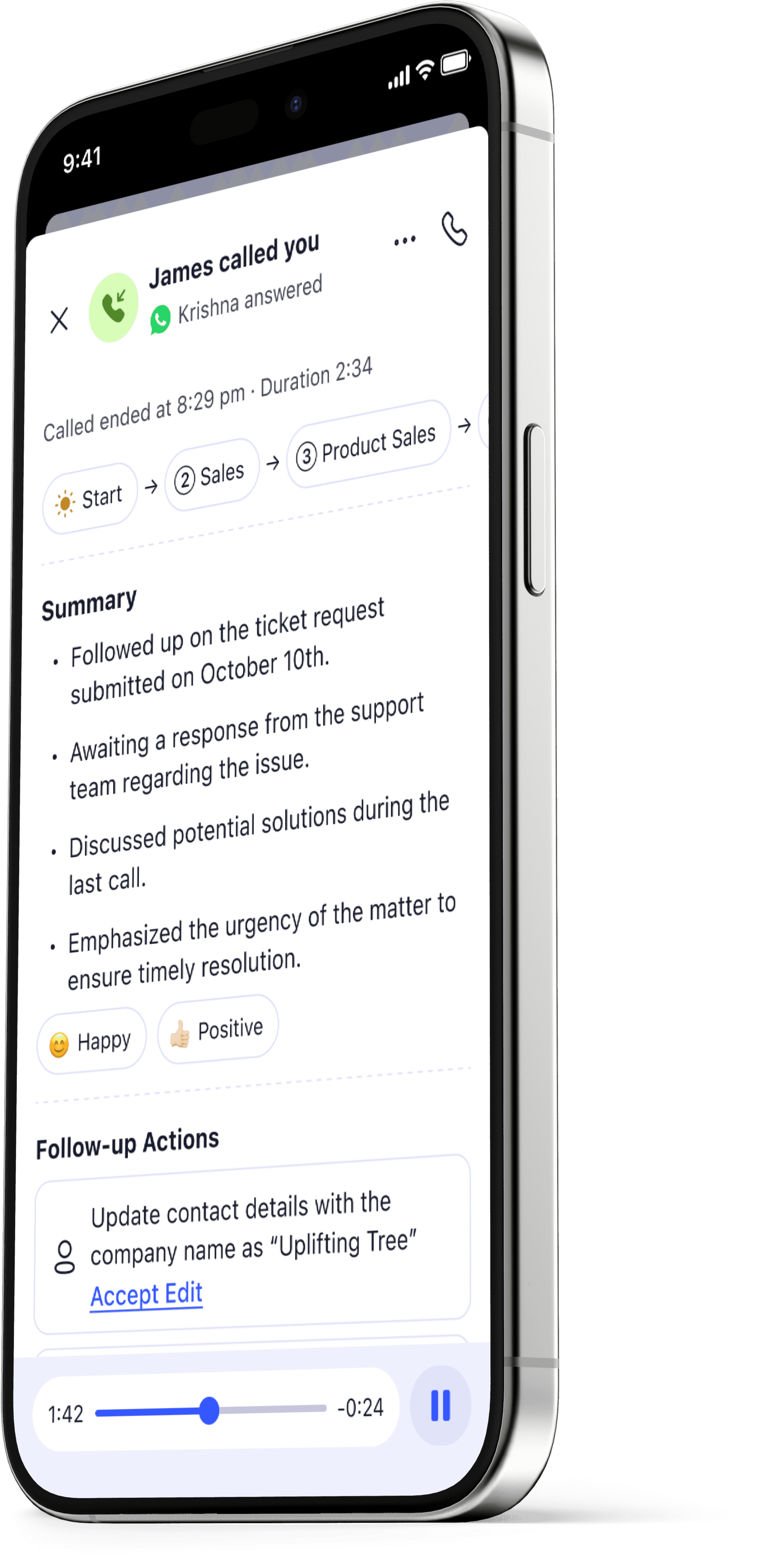
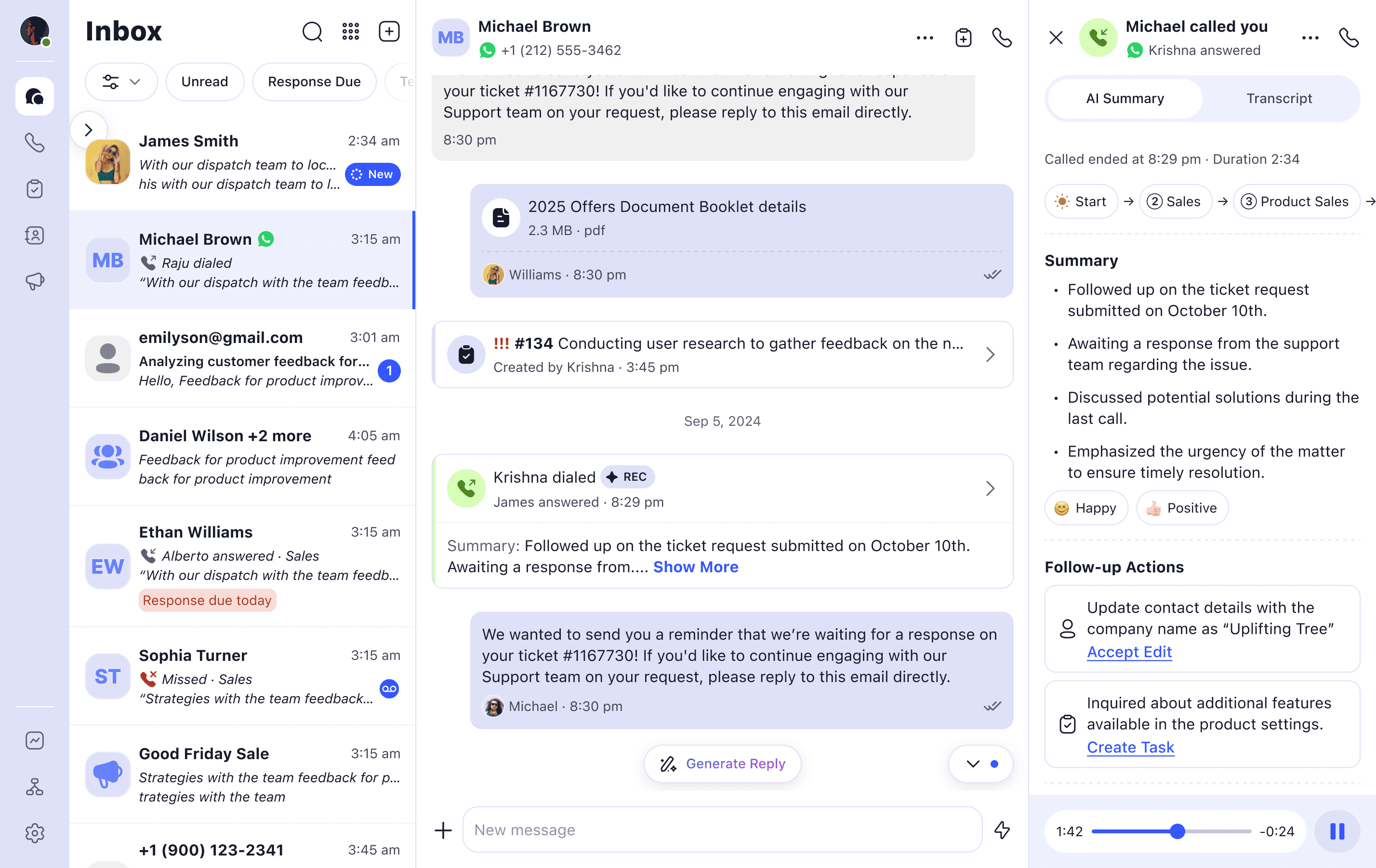
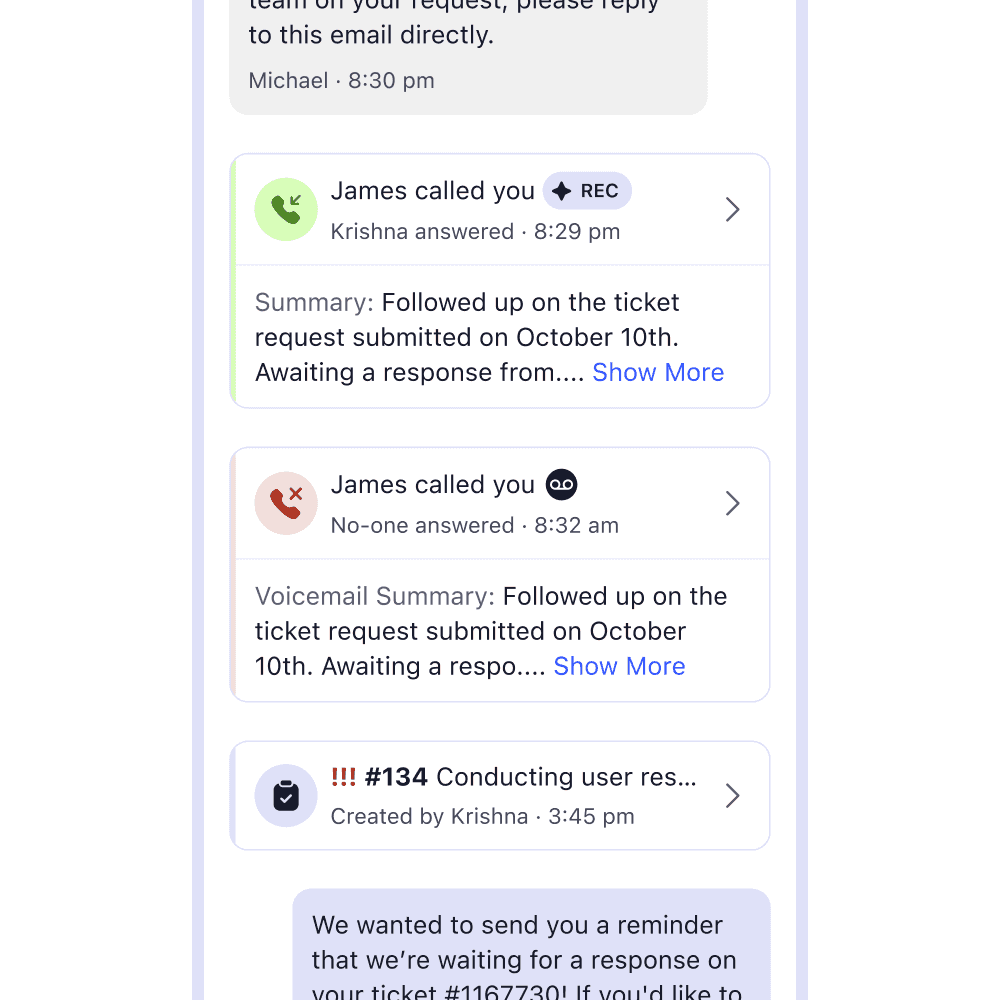
A Unified Inbox helps your team collaborate seamlessly by keeping all business interactions — texts, calls, transcripts, recordings, AI summaries, voicemail and tickets — all in one place, so you always have the full context before replying. This way, you can quickly understand what happened and what needs to happen next.
Can I see a timeline for how my business has interacted with a customer?
Yes. Every interaction lives in a single customer timeline so any team member always has full context before they reply or pick up the phone. It helps prevent missed context, duplicate replies, and customers having to repeat themselves.
Can I text from my cell phone or computer?
Yes. Use the mobile app, the web app, or both — your inbox stays in sync across every device automatically.
Will texts come from my personal number?
Never. Messages are sent and received through your business number, so your personal number stays private, even when you're texting from your personal phone.
Can my team text from the same business number?
Yes. Everyone works from the same shared inbox, so any team member can pick up a conversation, see who replied and when, and respond as one coordinated team behind the scenes.
Do my customers need to download LinkedPhone to text with me?
No. Your customers receive normal text messages on their phone like they always do.
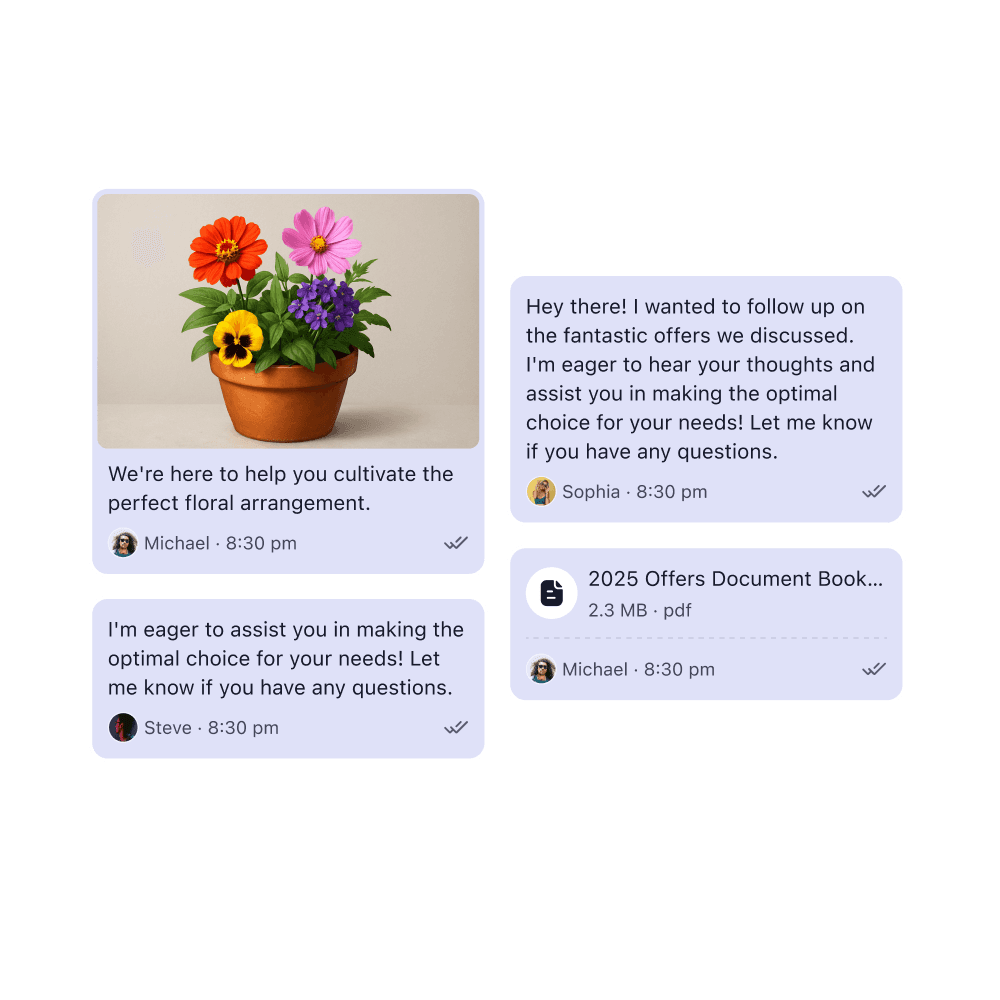
Can I send attachments?
Yes, you can send attachments of up to 15MB and videos of up to 25MB.
Do you support group messages?
Yes. Group messages and broadcast messages are supported and are limited to 5 participants.
What are broadcast messages?
Broadcast messages enable you to send a single text to multiple recipients separately. This way, you don’t have to copy and paste the same message to different recipients.
Can I save replies that I use frequently?
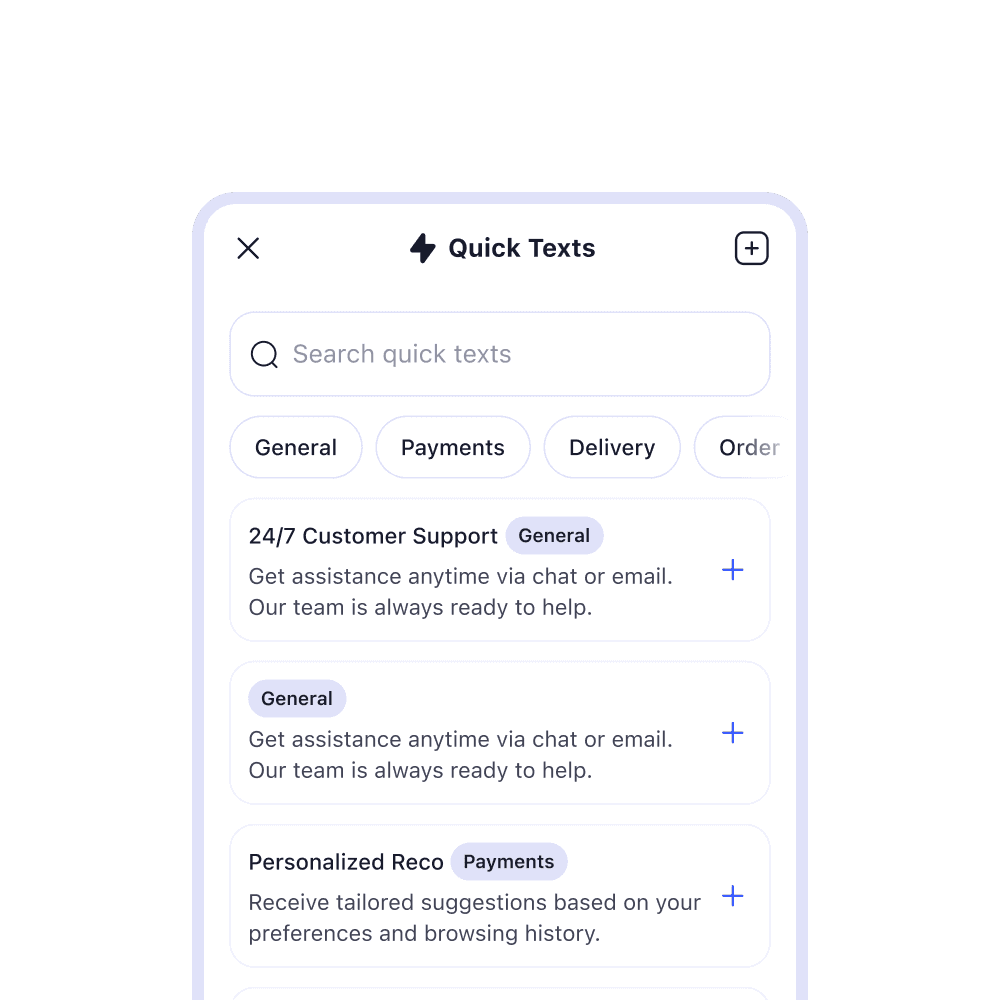
Yes. Create Quick Texts for things like hours, pricing, directions or “we’ll get back to you soon” messages. Send them with a single tap, a big time-saver for repetitive questions.
What are AI Reply Suggestions?
LinkedPhone's AI can review the context of your conversation and suggest a reply so you can respond faster. You have the option to rewrite them, refresh results, or change the tone. You're always in control so nothing goes out without your tap.
Can I auto-reply to missed calls or schedule a text to send later?
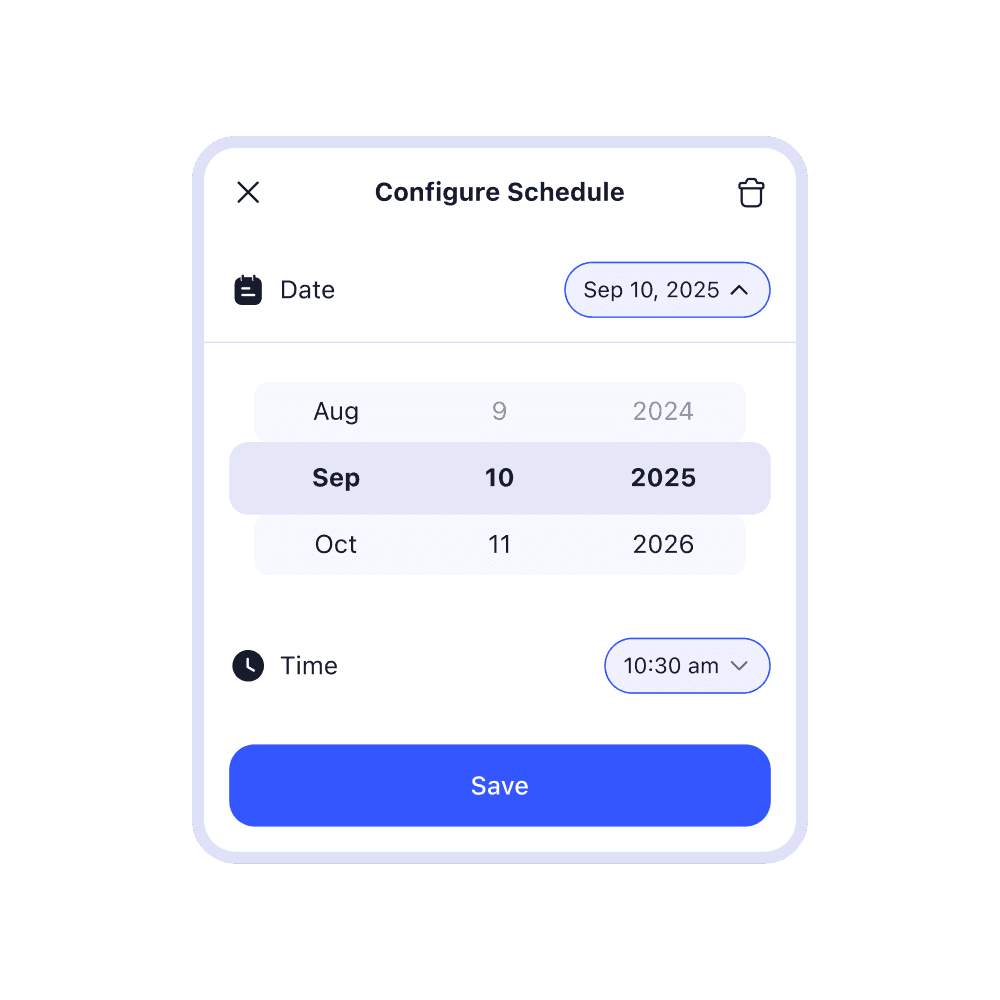
Yes. Turn on auto-texts that fire automatically when you miss a call so customers aren’t left in the cold. You can also schedule a text to send later which is helpful for appointment reminders, follow-ups, estimates, check-ins, and after-hours responses.
Do I need special registration to text customers?
U.S. business texting requires a one-time 10DLC registration (an industry compliance step to mitigate fraud and spam). We walk you through the process so you get approved quickly and ready to text.
Is text messaging included in my plan?
Yes, business text messaging is included with all LinkedPhone plans.